SELECTING BUILDING AND LEVELS
Text Guide
- To view all locations (buildings, floors, and levels) in the map Open the Drop Down Widget on the Top Right of the window
- To Navigate the External building select Overview
- To Navigate the Grandstand select Clubhouse, Casino and Grandstand
- Change the Level by selecting from Lower Level to Level 5
Video Guide
FIND YOUR DESTINATION
Text Guide
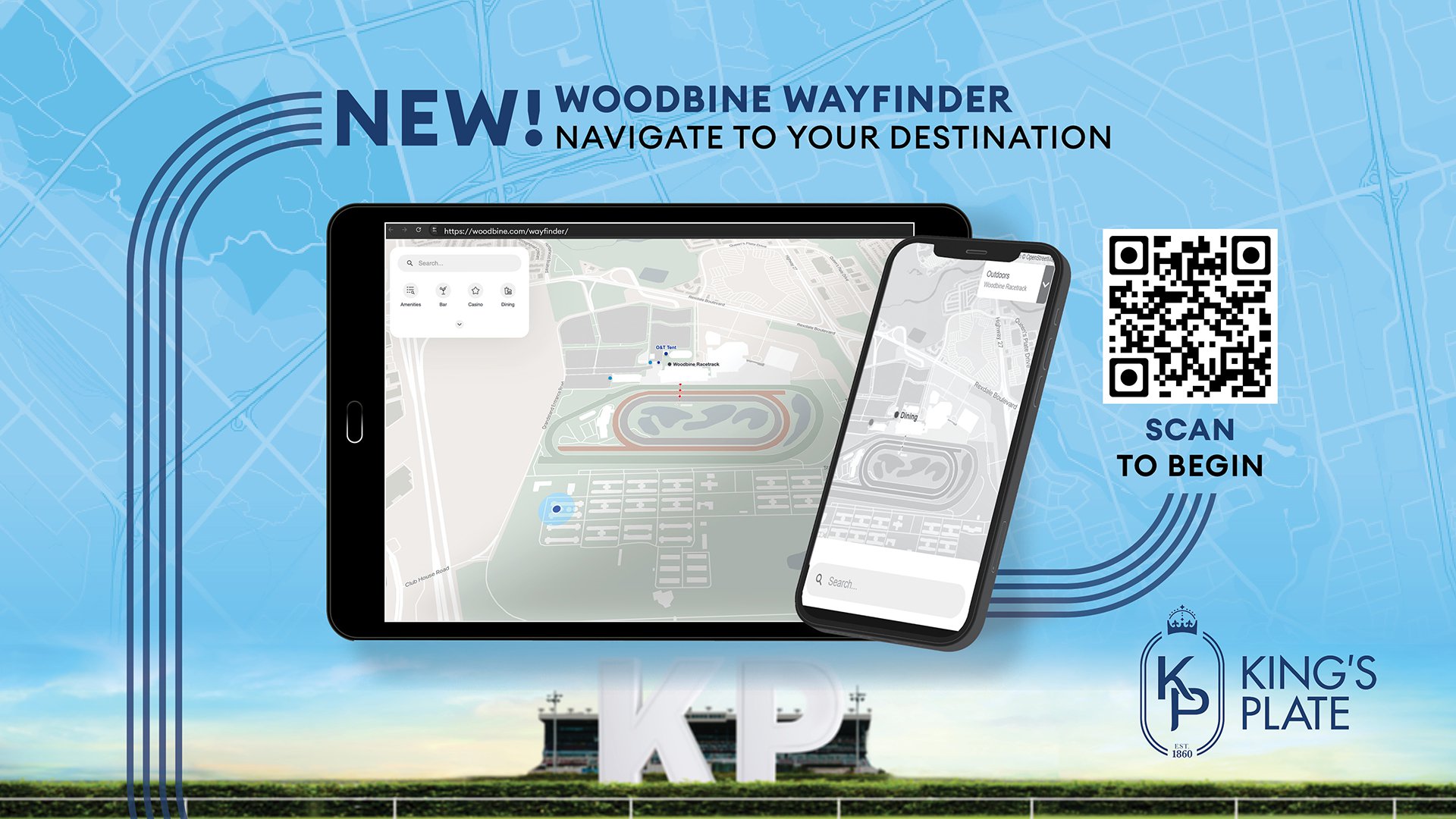
- On the Top Left Side of the window will be another widget with all locations set in categories
- To view all categories Click on the Small Arrow Button in the widget
- To find your destination Select the Appropriate Category and Sub-Categories, or
- To find your destination Use the Search Bar in this widget. For example, you can search “The Woodbine Club” and the location widget will appear.
Video Guide
REACHING YOUR DESTINATION
Text Guide
- Select the Location you want to visit
- Click on Directions in the location widget
- Enter your Start Location/Departure Location. Apple users can use the “Your Current Location” button.
- To begin navigation click on Steps
- Follow the Step by Step Instructions until you reach your destination
Video Guide
SELECTING BUILDING AND LEVELS
Text Guide
- To view all the locations in the map Open the Drop Down Widget on the Top Right of the window
- To Navigate the External building select Overview
- To Navigate the Grandstand select Clubhouse, Casino and Grandstand
- Change the Level by selecting from Lower Level to Level 5
Video Guide
FINDING YOUR DESTINATION
Text Guide
- To view all the locations in the map Open the Pull Up Widget on the Bottom of the window
- To Navigate the External building select Overview
- To Navigate the Grandstand select Clubhouse, Casino and Grandstand
- Change the Level by selecting from Lower Level to Level 5
Video Guide
REACHING YOUR DESTINATION
Text Guide
- Select the Location you want to visit
- Click on Directions in the location widget
- Enter your Start Location/Departure Location. Apple users can use the “Your Current Location” button.
- To begin navigation click on Steps
- Follow the Step by Step Instructions until you reach your destination
- Click on the Arrow as you navigate through the path.